We have compiled a list of frequently asked questions covering Wireless Casting. This is not exhaustive and we hope we have answered any questions you might have. If your question is not listed, please contact us by calling 01202 483883 to discuss your enquiry.
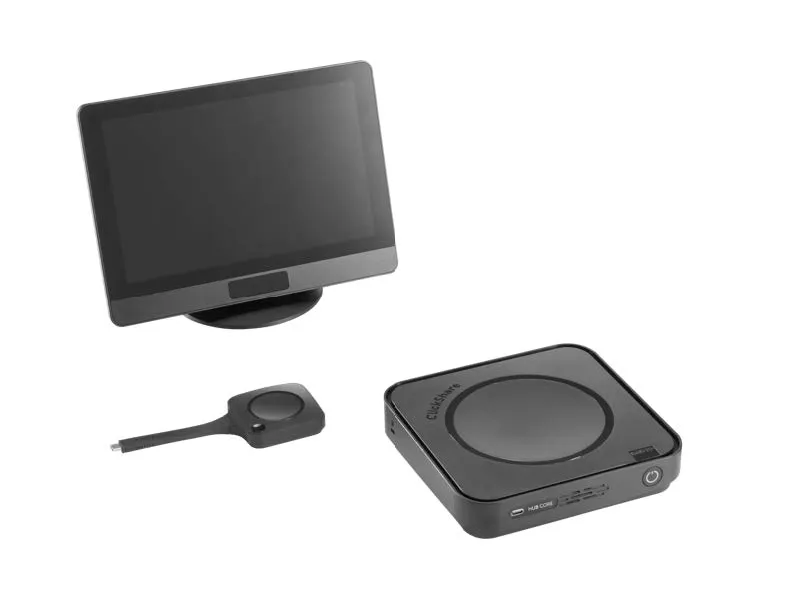
Wireless casting devices allow users to share content from laptops, tablets or smartphones directly to a display without cables. They are commonly used in meeting rooms, classrooms and conference spaces to enable fast, seamless presentations and collaboration.
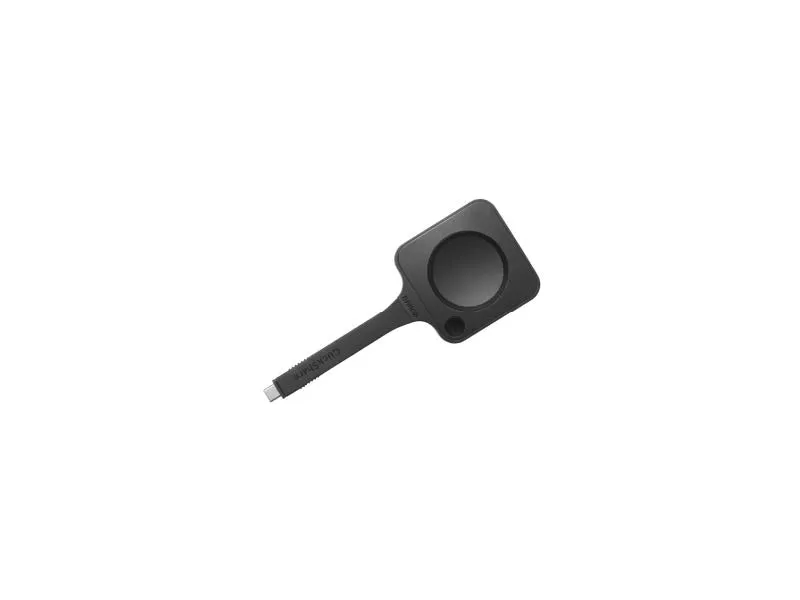
Wireless casting devices connect to a display via Wi-Fi or a dedicated receiver, allowing users to mirror or extend their screen using technologies such as AirPlay, Miracast or Chromecast. This removes the need for HDMI connections and simplifies setup in meeting environments.
Wireless casting improves meeting efficiency by removing cable clutter and reducing setup time. It enables multiple users to share content easily, supports BYOD (Bring Your Own Device) environments, and enhances collaboration during presentations and hybrid meetings.
Most modern wireless casting systems are compatible with Windows, macOS, Android and iOS devices. Many solutions are designed to work across platforms without additional drivers, making it easy for guests and employees to connect quickly and securely.
Screen mirroring duplicates your entire device display in real time, while wireless casting can send specific content such as presentations, videos or apps to a display. Both methods support wireless collaboration, but casting often offers more flexibility for professional use.
Send us a message or let's have a chat to discuss your requirements.
Complete our enquiry form and we will contact you as soon as possible.